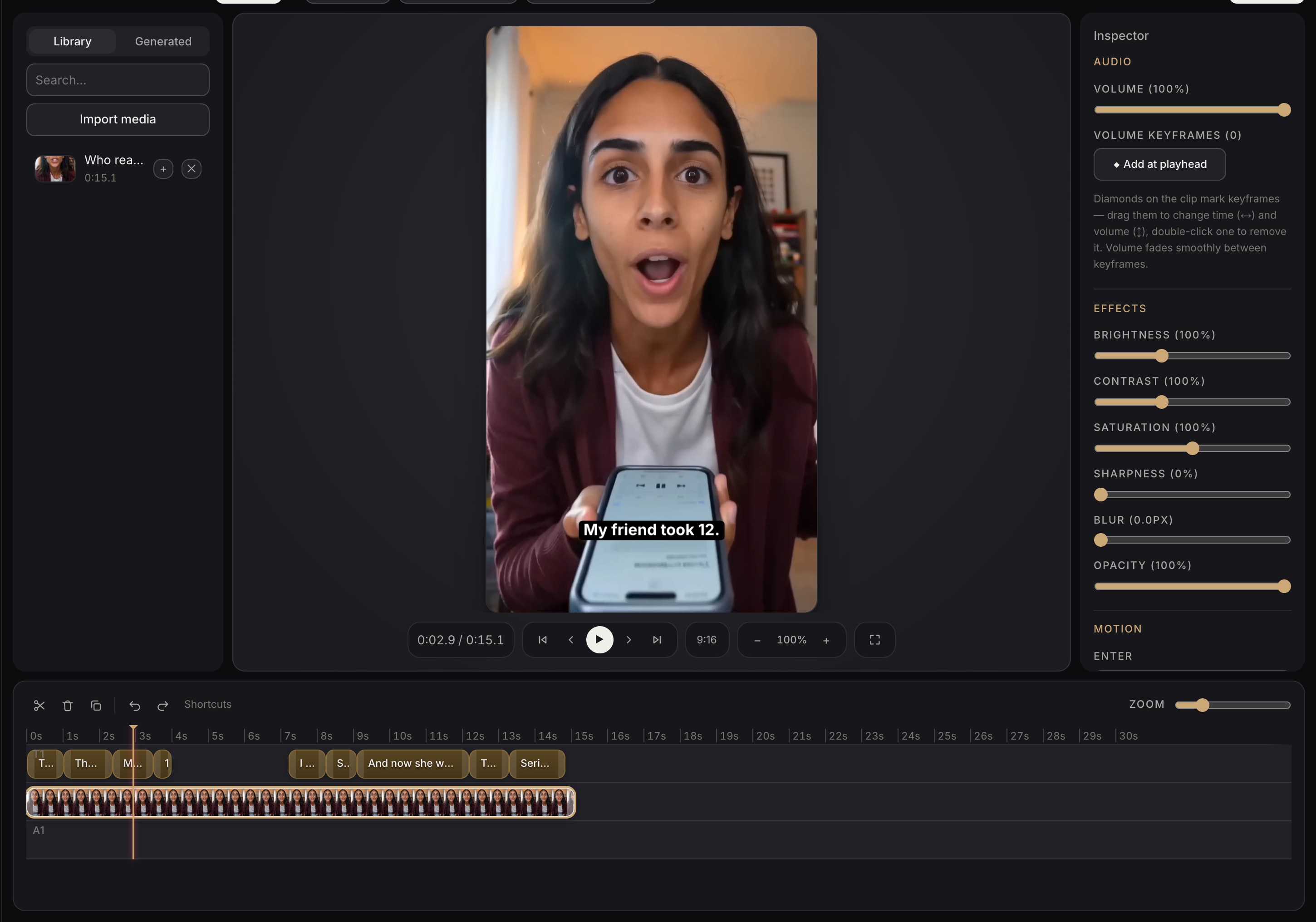
Change anything, without leaving for a video app.
Trim, caption, restyle and re-cut on a timeline that speaks in ads rather than in tracks and keyframes.
A timeline that speaks in ads
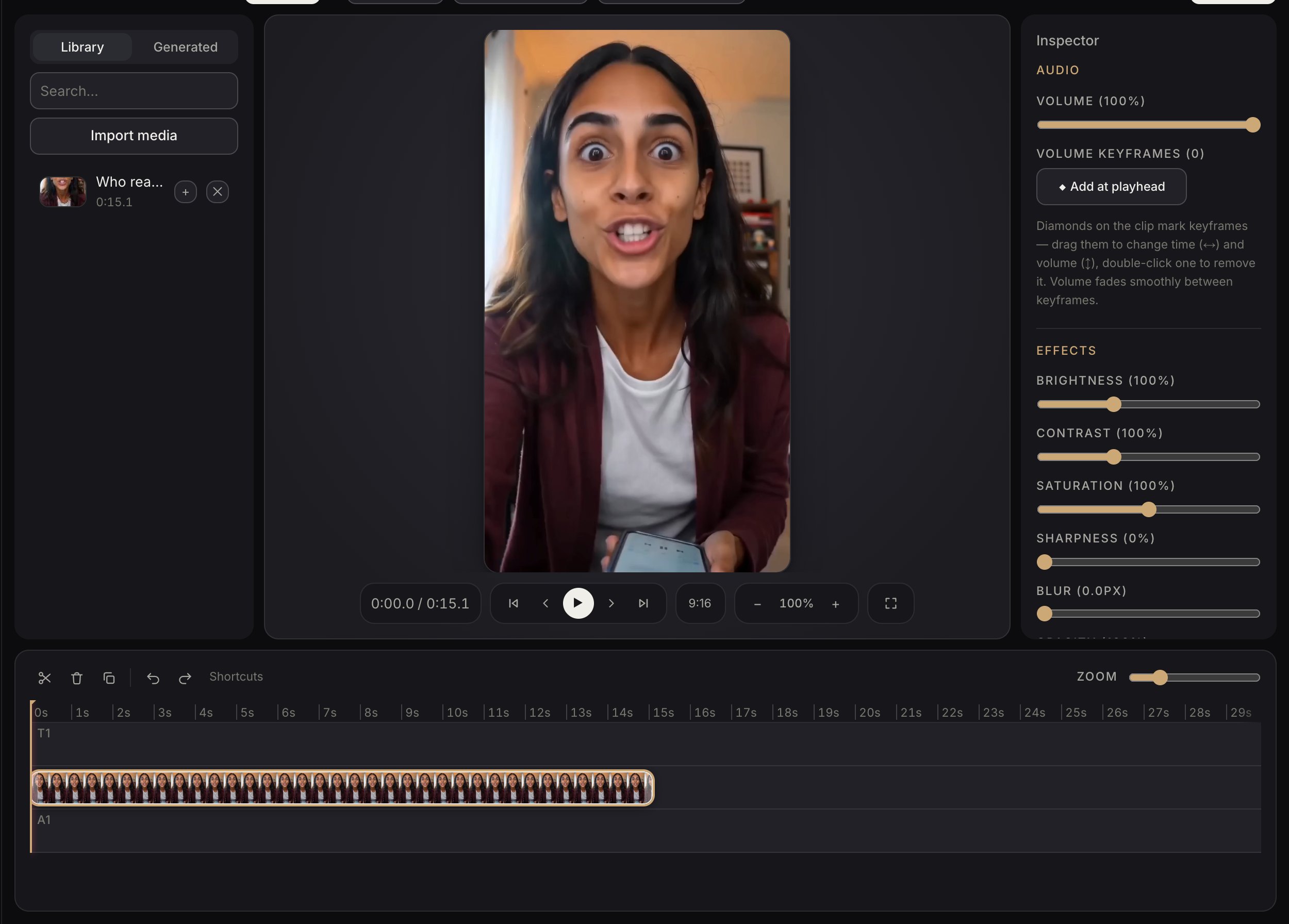
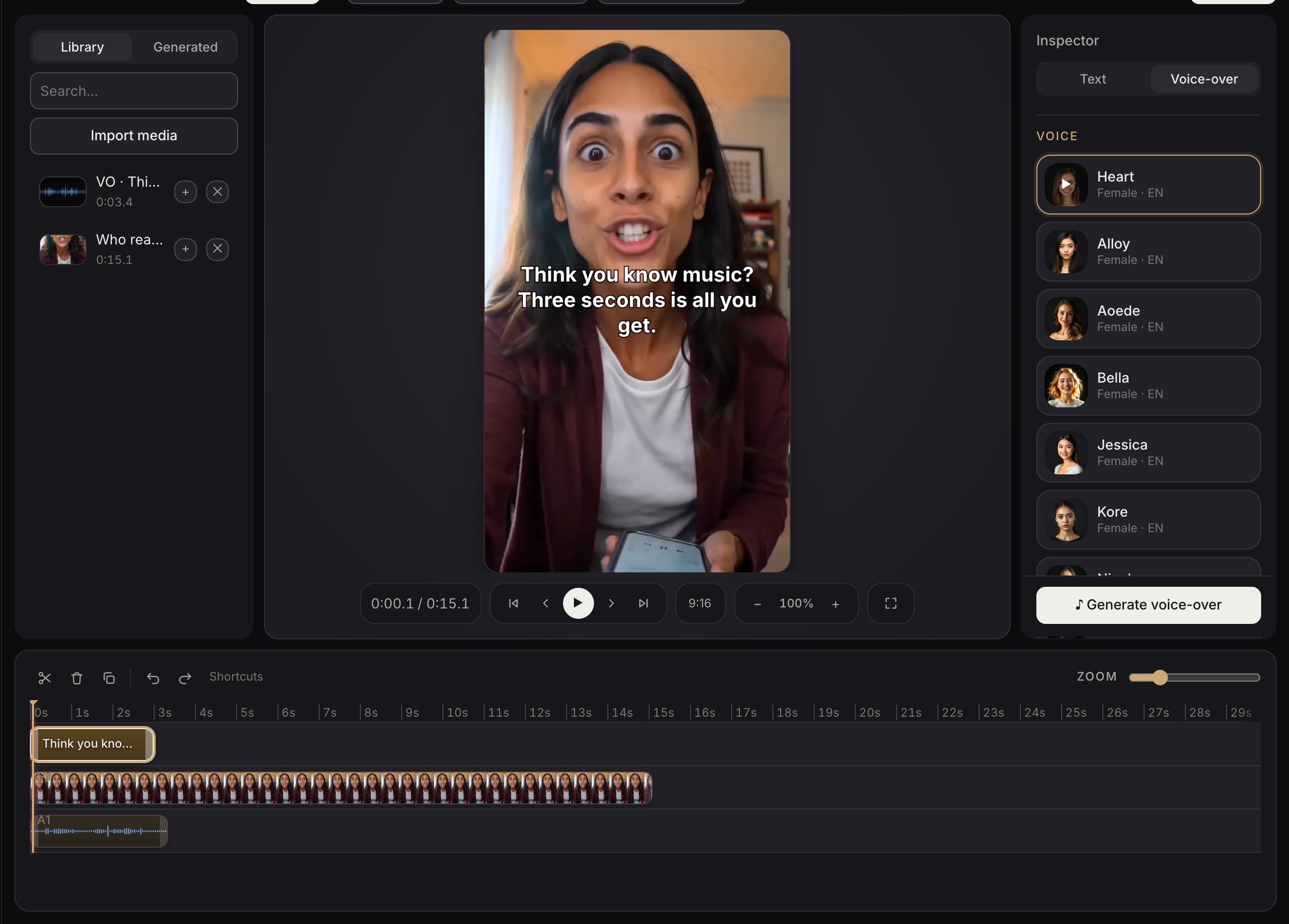
Clips, captions, a voice-over track and shapes. Trim, split, restyle and reorder without learning keyframes, and watch it play at the size it will be seen.
Captions from the audio
One button transcribes the voice-over and lays the captions on their real timings, styled to match. Correct a word and it stays corrected.
Export, or send it straight on
Exports land in the media library beside everything generated, ready to publish or to drop into the next cut.
The ad, on a timeline
Clips, captions, graphics and audio, laid out over the seconds they occupy. The canvas plays at the aspect ratio it will run in, and every clip carries a filmstrip of its own frames, so you can see what you are cutting.
Words over the footage
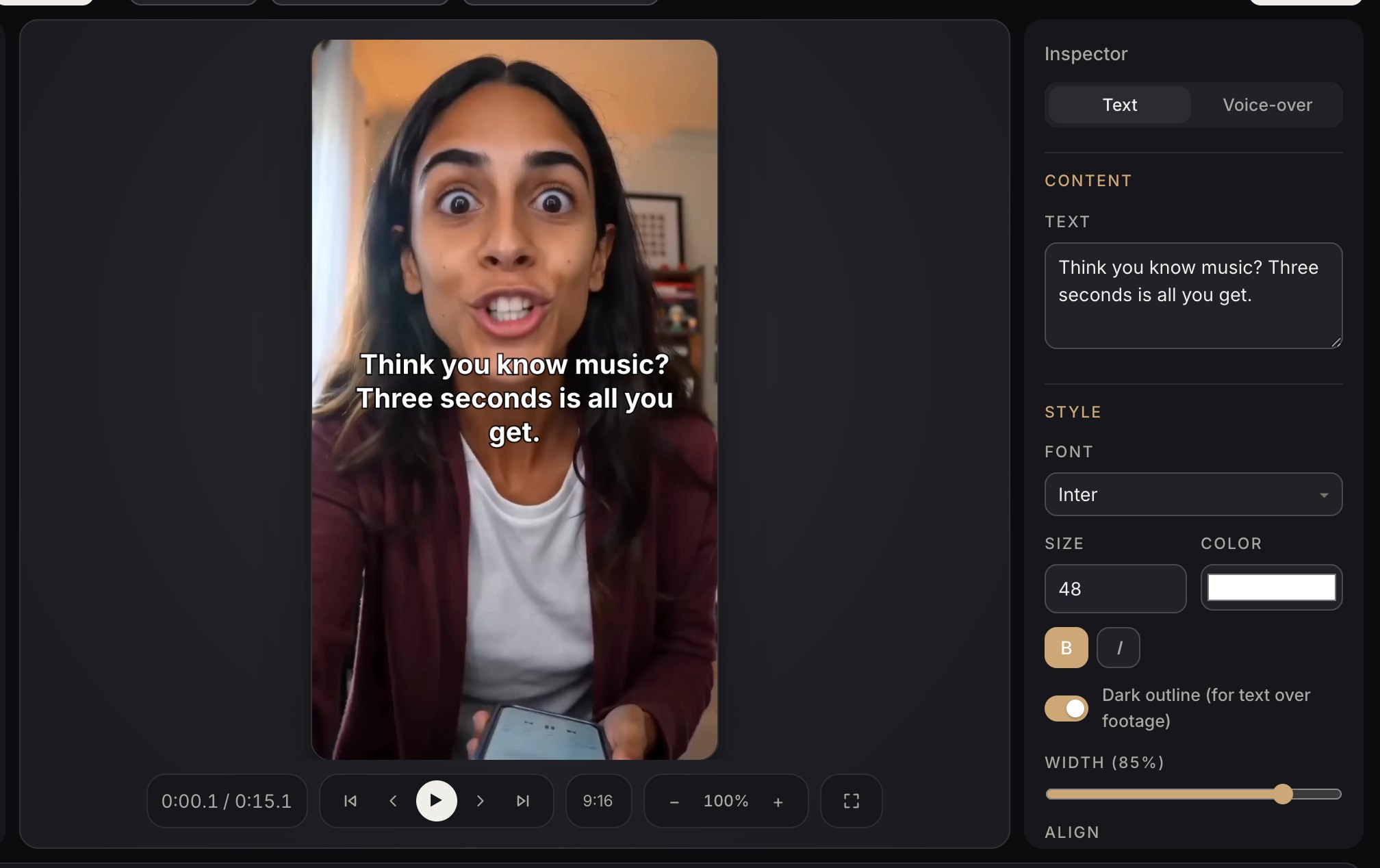
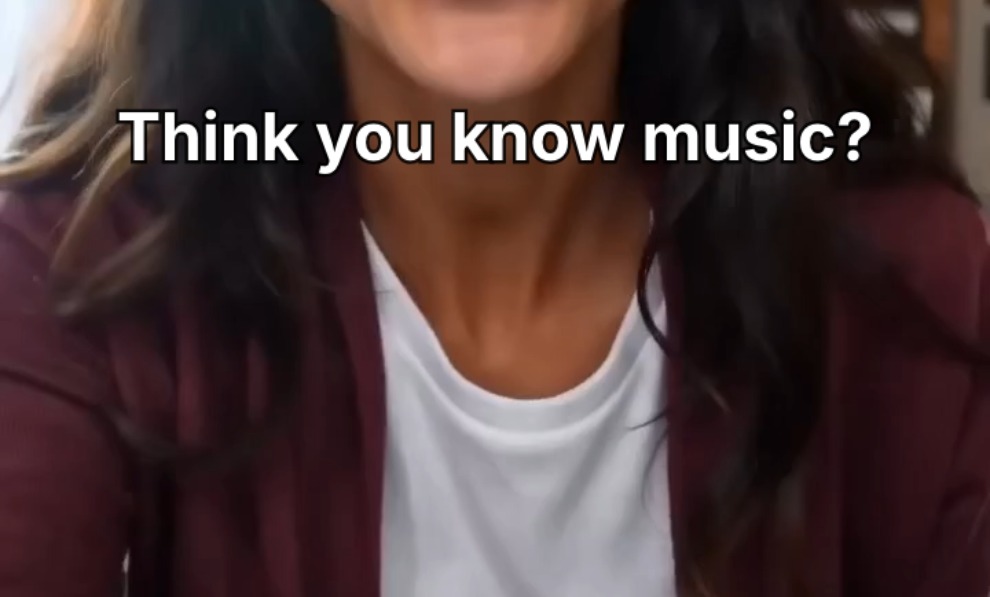
Add a line and the inspector holds what that line actually has: font, size, colour, weight, width and a dark outline for type sitting over a bright shot. Drag it where it belongs and it stays there.
A voice-over, spoken for you
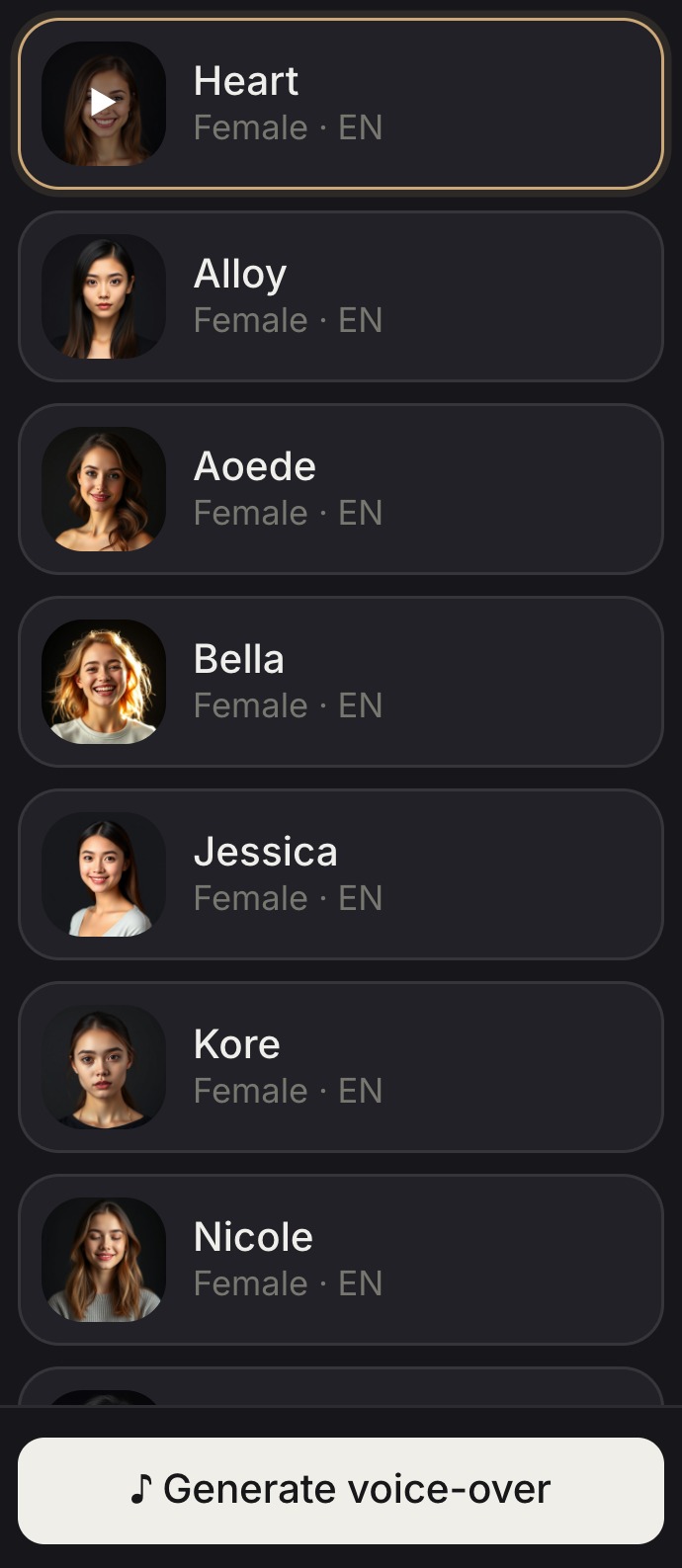
Write the line, pick who says it — every voice plays on tap, so you audition before you commit — and press once. The take is cut and dropped onto the audio track as a clip you can move, trim or replace, in time with the picture.
Captions from the audio itself
One button transcribes what is spoken and lays each phrase on the timeline at the moment it is said — nine captions from a fifteen second clip here. They are ordinary text clips afterwards, so a wrong word is fixed by typing over it.