Publish, then keep what works.
Send one ad or ten into your own ad account, and read what happened in plain words instead of a spreadsheet.
It goes to Meta, not to a download
The video is uploaded to your ad account, the creative is built with your headline and primary text, and the ad is created against a campaign and ad set you choose. An app goes out as an app-promotion campaign with an Install button; a website goes out as a traffic campaign with a Learn more button pointing at your address. Nothing is exported for you to re-upload by hand.
Your account, your structure
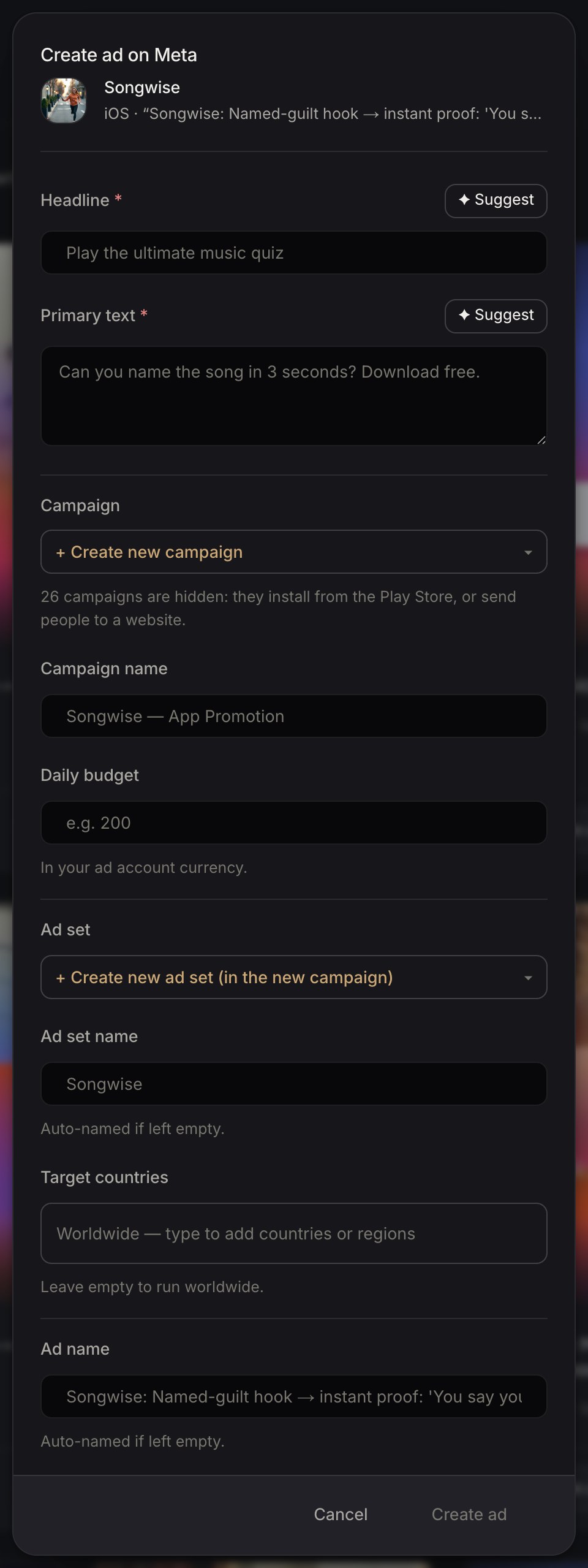
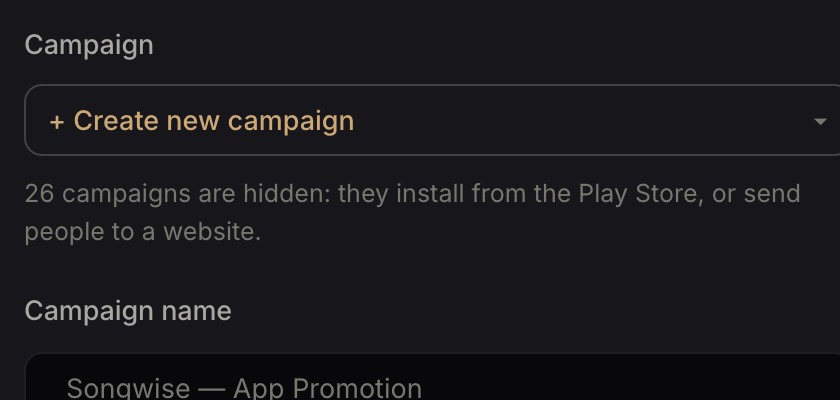
Add to a campaign already running, or start a new one with its own daily budget. Ads land paused or active as you decide, and Meta reviews them exactly as it would if you had made them there.
Then it reports back
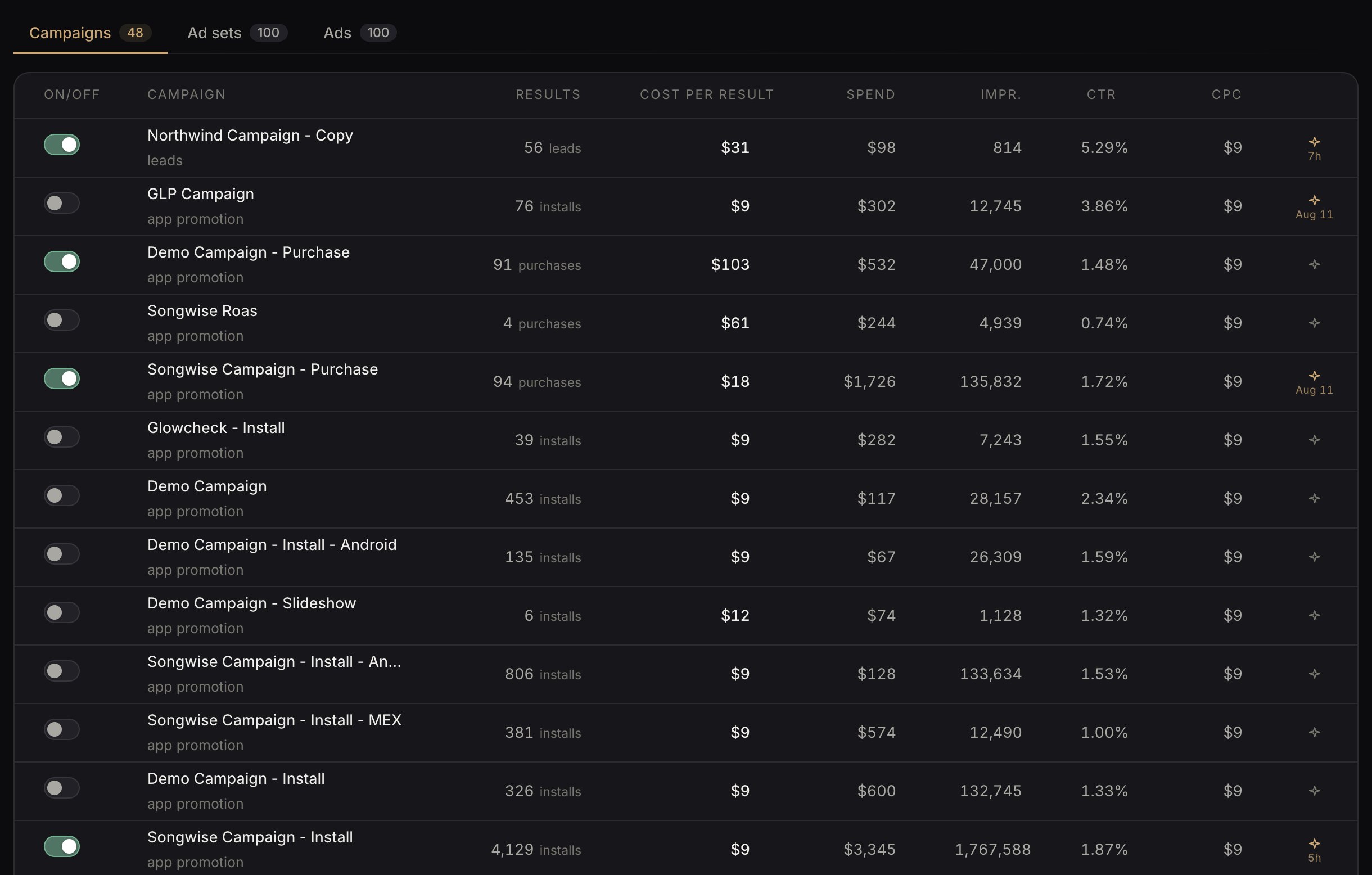
Once they deliver, the results come back beside the ad that produced them — cost per result against the account's own average, in plain words.
Pick the ad
Everything generated, edited or cloned sits in one library, filed under the app it belongs to. Choose the cut you want and press Create ad.

Say where it lands
Headline and primary text are already filled in from the idea behind the ad, and can be rewritten or suggested again. Then pick the campaign and ad set — one you already run, or a new one with its own daily budget — and the ad is created in your account.
Watch what it does
From there it appears on Live on Meta with everything else you are running: what it produced, what each result cost, and how it compares to the rest of the account.